
Issue:
The AV08ZMV-300 is only displaying 30FPS.
Resolution:
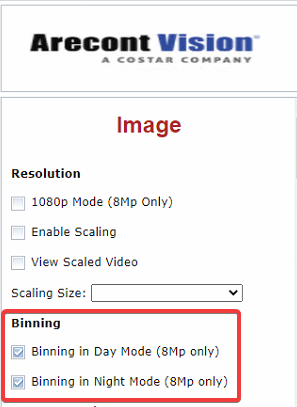
- From the camera web page, enable binning in day and night mode.
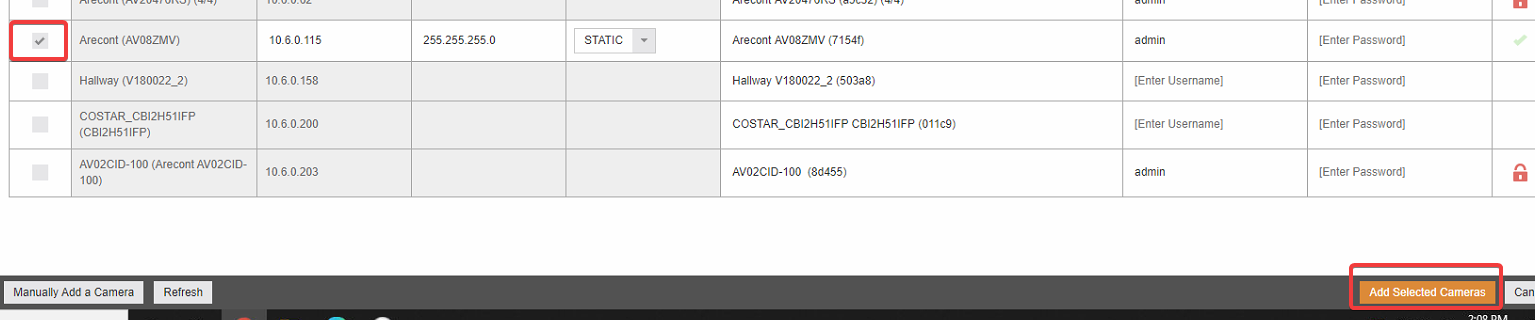
- From the ConteraNVR click Setup > Cameras > Add Cameras.

- Put a checkmark next to the AV08ZMV-300 then click Add Selected Cameras.
- Drag the camera into a cell.
- Click Live then hover at the top of the cell and enable the OSD to verify.

Comments
0 comments
Article is closed for comments.