
Issue:
A customer requires that custom layouts be created. In this example, a Contera Fisheye (AV12CPD-236) will be used to capture specific angles/scenes from the camera.
Resolution:
- The ConteraVMS Thick Client must already be installed and configured. See ConteraVMS: Thick client installation
- Launch the ConteraVMS Thick Client.
- Log in using your credentials.
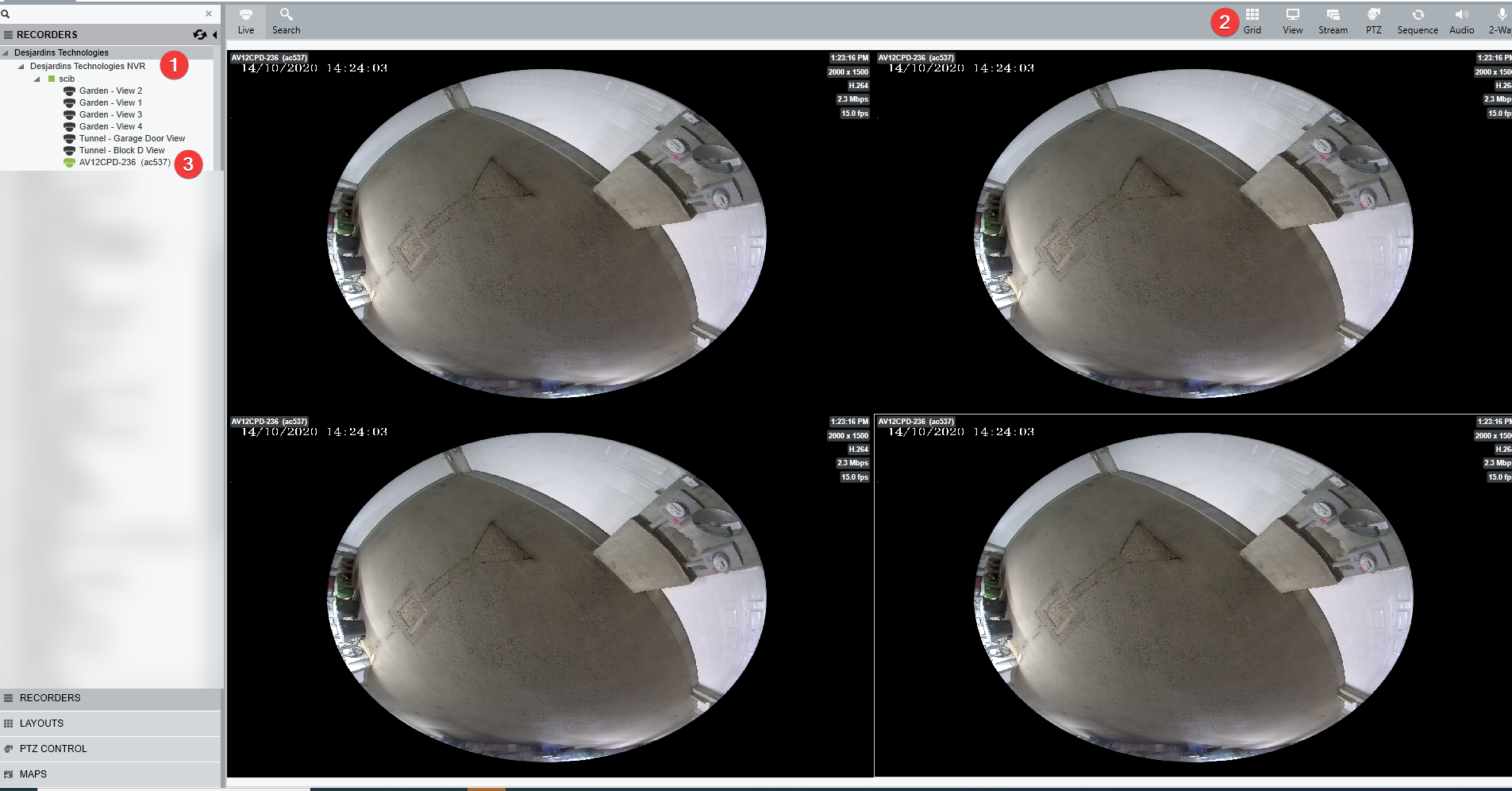
- Select your NVR on the left, change to the appropriate view then drag and drop the camera into the cells.
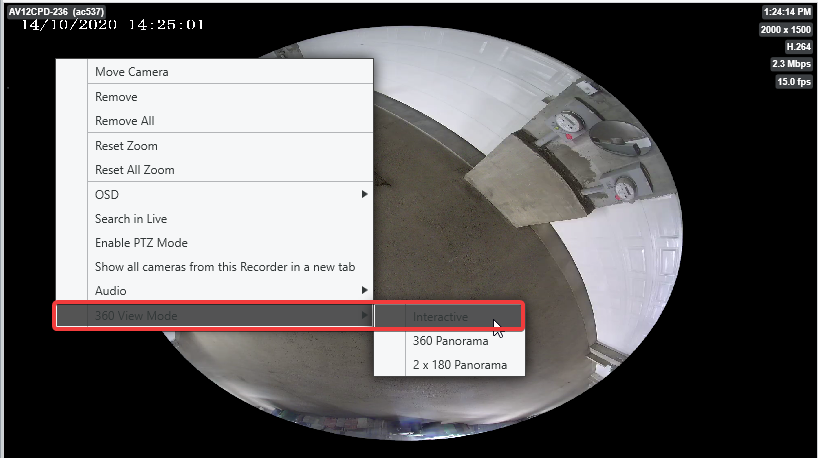
- Right-click on the first cell and select 360 View Mode > Interactive.
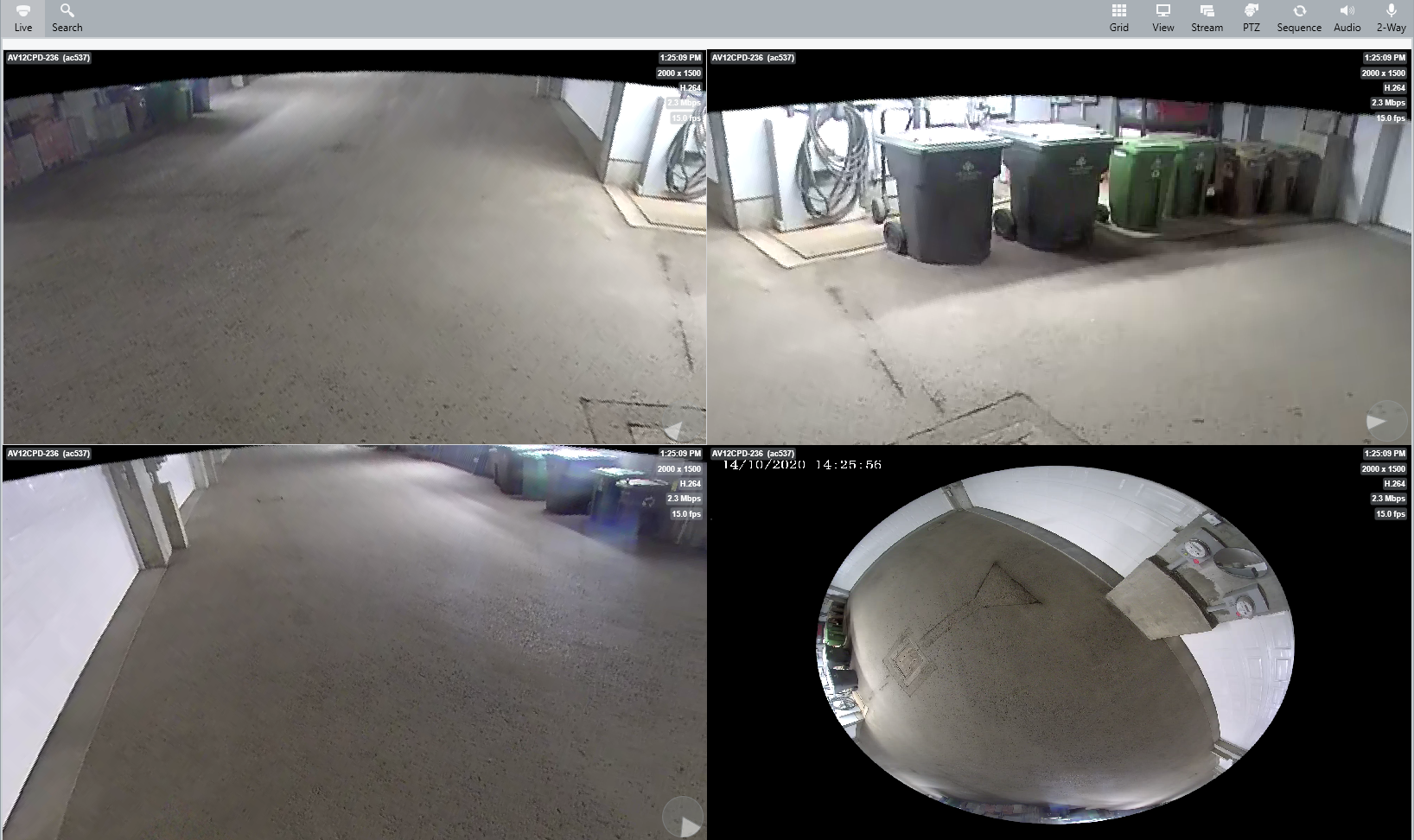
- Manipulate the scene by zooming in or out with the mouse wheel or clicking and dragging to move it. Repeat this step for the remaining cells. Below is an example.
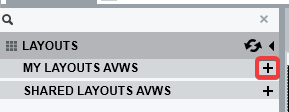
- Click Layouts on the lower left.

- Click the + sign to add a layout.
- Name the Layout.
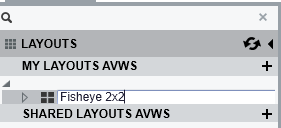
- The user can now switch to another view or recall this layout when needed.
Comments
0 comments
Please sign in to leave a comment.