
Issue:
A custom role needs to be added to CMS.
Note: The default Administrator and Operator roles cannot be edited or deleted.
Resolution:
- From the CMS Main Menu click Users.

- Click Role on the upper left then click +Add.

- Provide a name for the role, select the appropriate permissions then click Add.

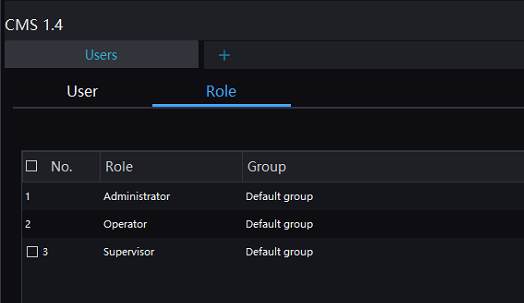
- The role will appear as shown below.
Comments
0 comments
Please sign in to leave a comment.