
Issue:
ConteraVMS needs to be installed on a customer's server.
Resolution:
- Extract the file to the server.
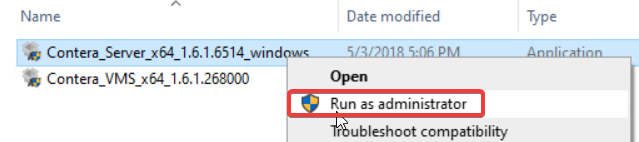
- Right click on Contera_Server_x64_xxxxx_windows and select Run as administrator.
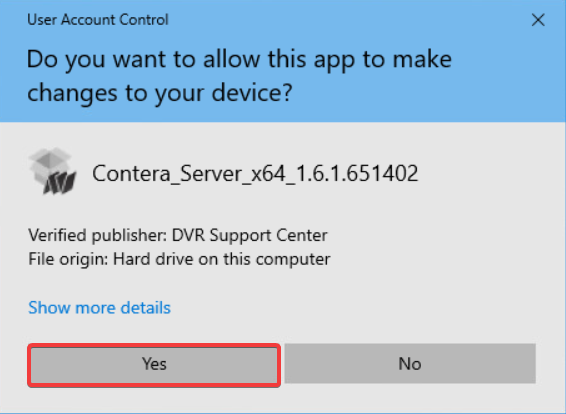
- Click Yes to the UAC prompt.
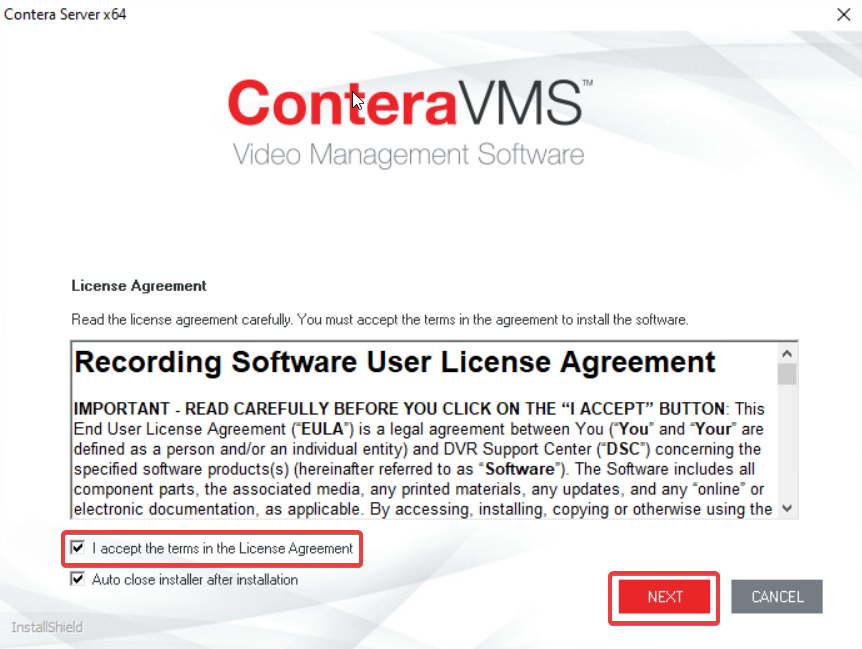
- Accept the license agreement and click Next.
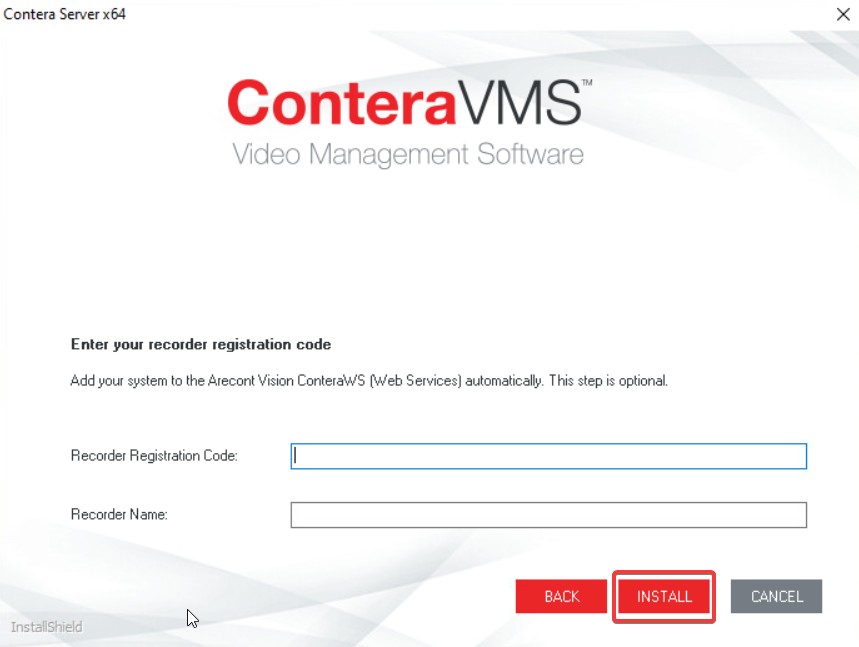
- If you have a recorder registration code enter it now and provide a recorder name. This is optional.
- If you do not have this information click Install. The installer will close when it's finished.
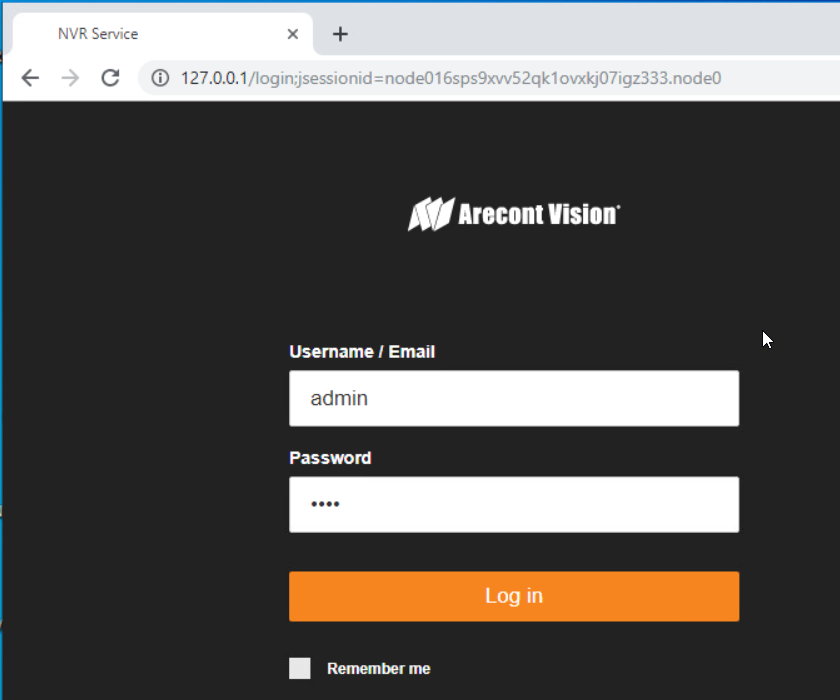
- From the desktop launch Contera Server. This will open the page http://127.0.0.1 in your web browser. Login with the defaults [Username: admin Password: 1234].
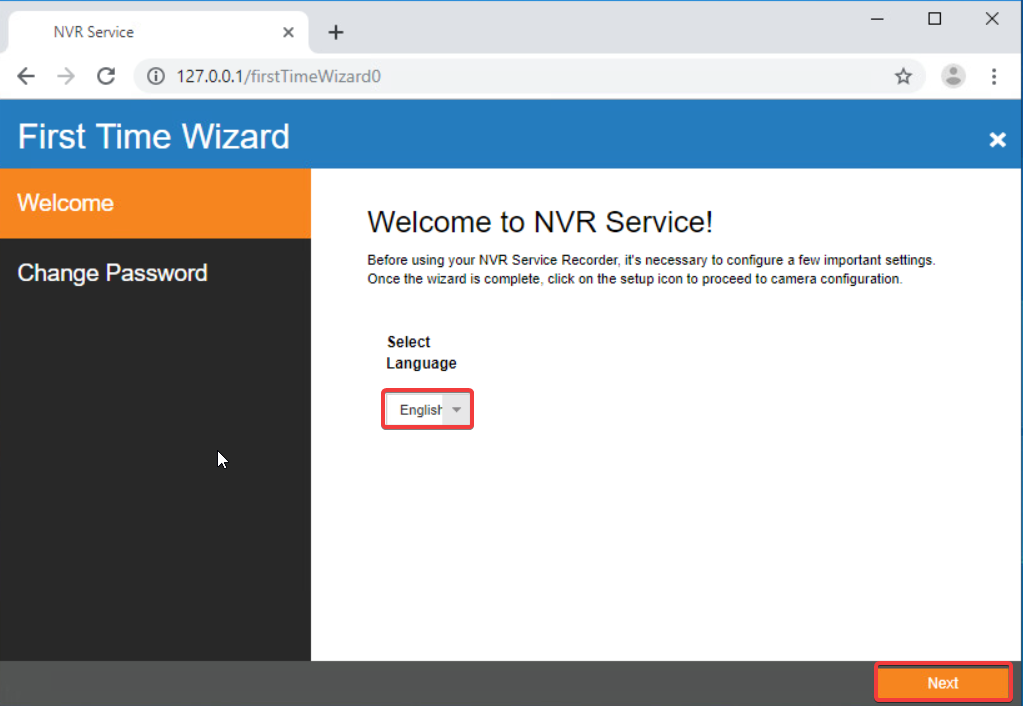
- Select your language then click Next.
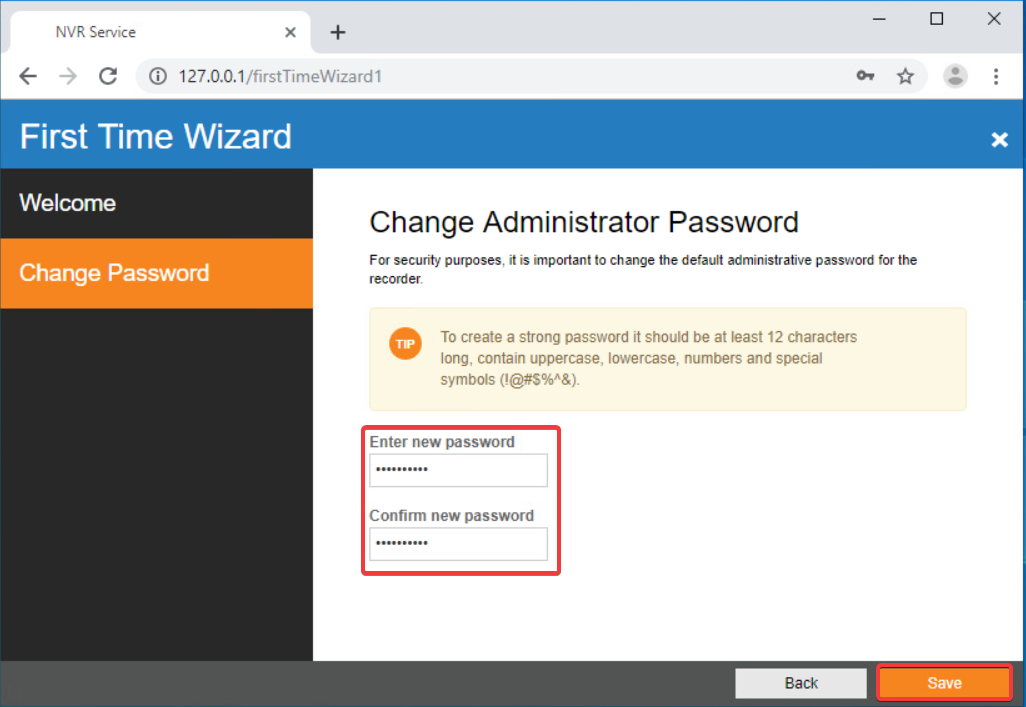
- Provide a new password then click Save.
- Click Close.
Note: Ensure all firmware and software are at current revisions.